Adding to your list of team members with IDEX Pro access is a quick process. No need to share a single login with your whole team. Instead, allow each user to enjoy alerts and emailed reporting, customizable to their user profile settings.
Only an admin can add a user.
Step 1
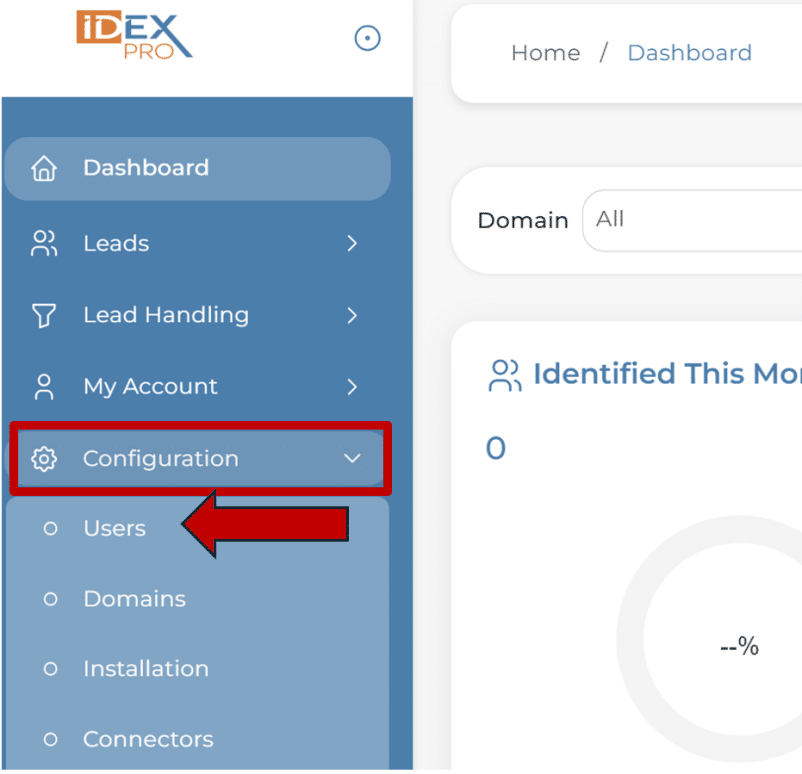
From the Configurations menu, select Users.
Step 2
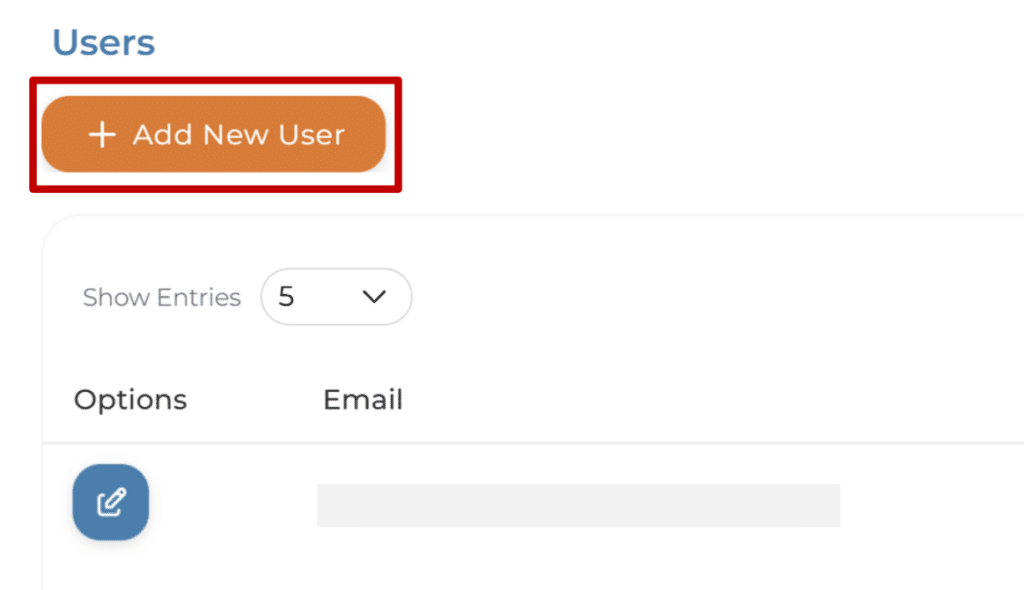
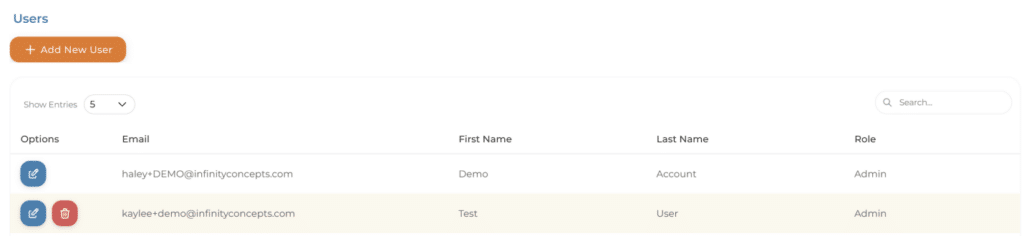
Select the orange +Add New User button.
Step 3
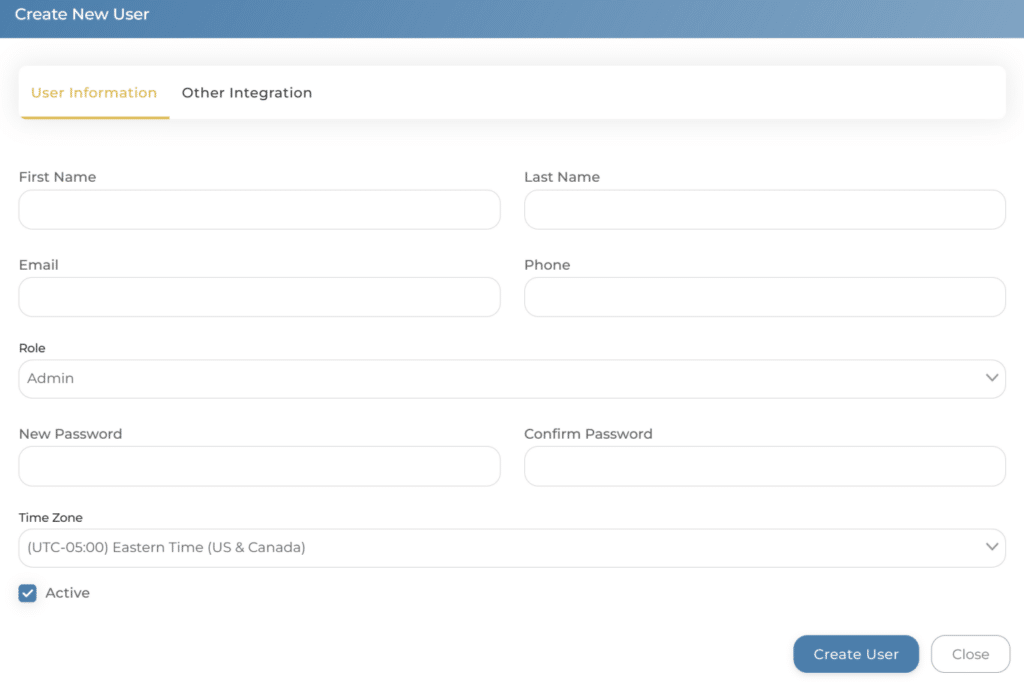
Enter all of the required information and assign the Role of Admin or User.
Select Create User.
Your new user has been added, and they should receive a confirmation email.
Want to remove a user?
That is easy too. Only an admin can delete a user.
Configuration -> Users -> Add New User
Select the red trash can symbol to delete a user.
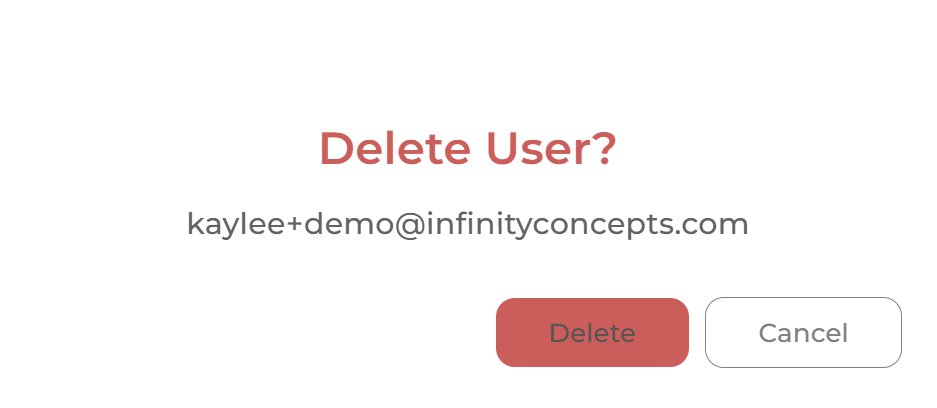
It will confirm that you want to delete the user. If you have selected the correct person, click ‘Delete’ and the user will be removed.